.png?width=500&height=97&name=Firehouse247-Horizontal%20Logo@2x%20(2).png)
Overview
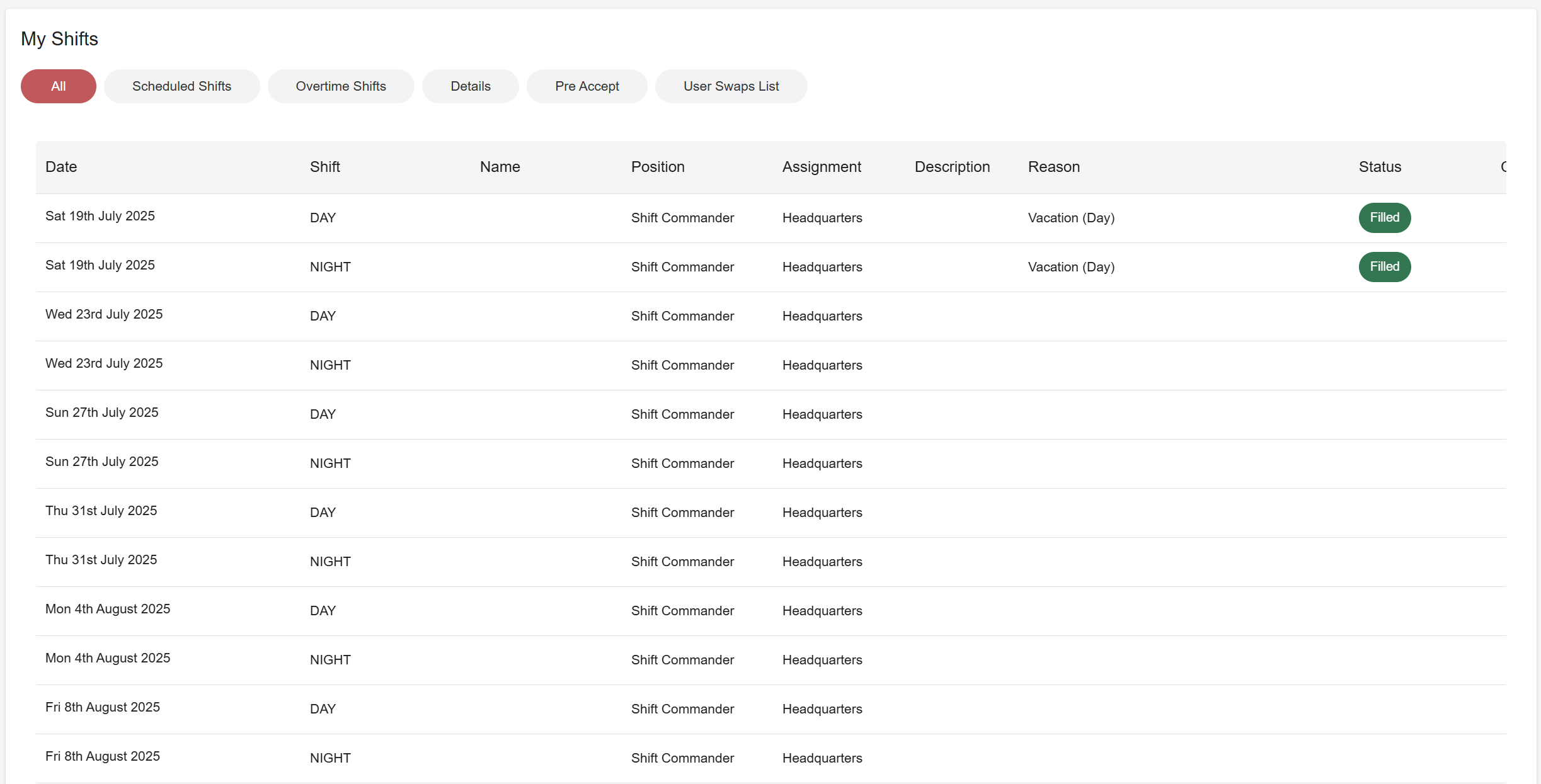
The My Shifts page is your personal schedule hub in Firehouse247. It shows all shifts you've been scheduled for—whether accepted, manually assigned, swapped, or submitted as a pre-accept. This page helps you stay organized and informed about your upcoming responsibilities.
Prerequisites
-
Must be logged into your Firehouse247 account
-
Shifts must be accepted, assigned, or submitted to appear on this page
How to Use the My Shifts Page
1. Navigate to My Shifts
-
Log into the platform and click on My Shifts from the main menu
2. Review Your Tabs
The page is organized into the following tabs:
| Tab | Description |
|---|---|
| All | Displays all scheduled shifts, details, and overtime—combined in one view |
| Scheduled Shifts | Shows your regular assigned department shifts |
| Overtime Shifts | Lists any overtime shifts you’ve accepted or been assigned |
| Details | Shows vendor or special assignment shifts (Details) |
| Pre-Accept | Displays any full shifts you’ve submitted as pre-accept (to express interest before an official offer) |
| User Swaps List | Any shifts you’ve swapped with another user will appear here |
If no shifts are currently assigned, a message will appear confirming there are no scheduled shifts for you at this time.
Tips & Best Practices
-
Use the All tab to get a complete overview at a glance
-
Check the User Swaps List regularly to confirm accepted trades
-
Make sure Pre-Accept submissions are visible here for confirmation